← All case files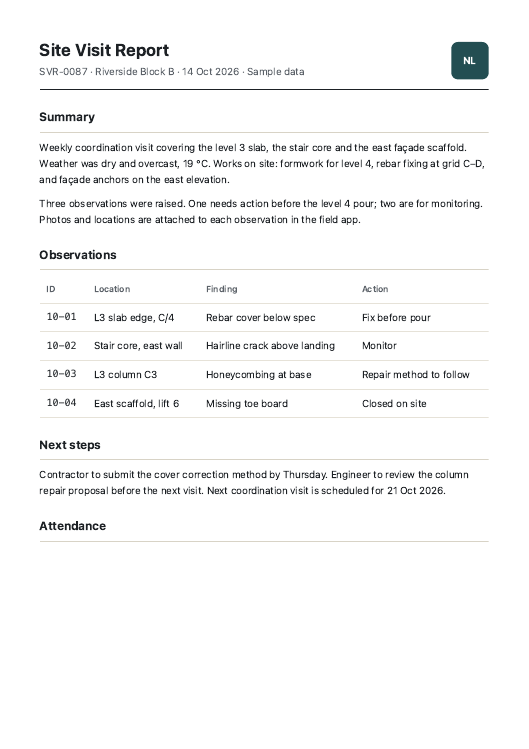
PDF leaves a heading behind
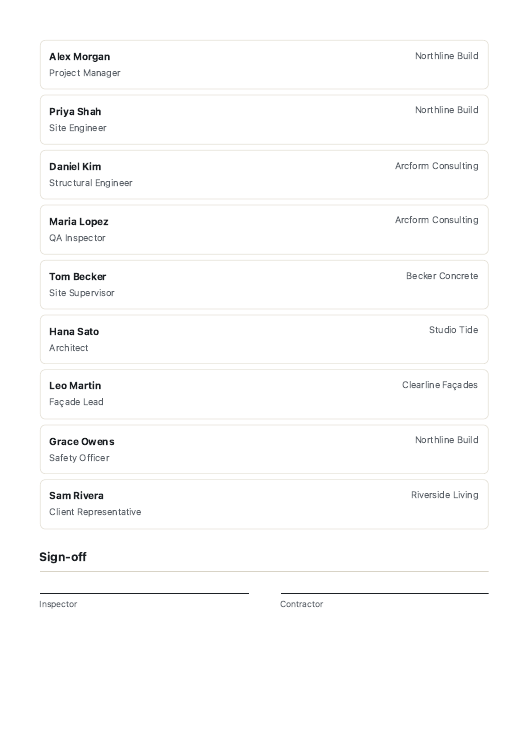
When the report is saved as a PDF, a heading gets stuck alone at the bottom of page 1.
No page 2
Cause
The attendee list had break-inside: avoid, so when it didn’t fit, the whole list moved to page 2 and left its heading behind. Print was also using the same type sizes and padding as the screen.
Fix
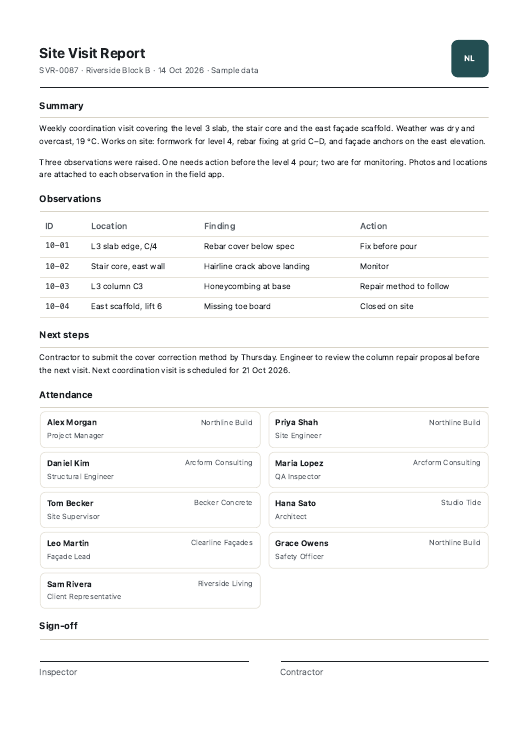
@media print {- .att { break-inside: avoid; }+ body { font-size: 12px; }+ h2 { break-after: avoid; }+ .att { display: grid; grid-template-columns: 1fr 1fr; }+ .att li { break-inside: avoid; } }
Now a single name never splits across pages, but the list can, and the heading always stays with it. The report fits on one page, and nothing changes on screen.